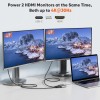
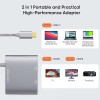
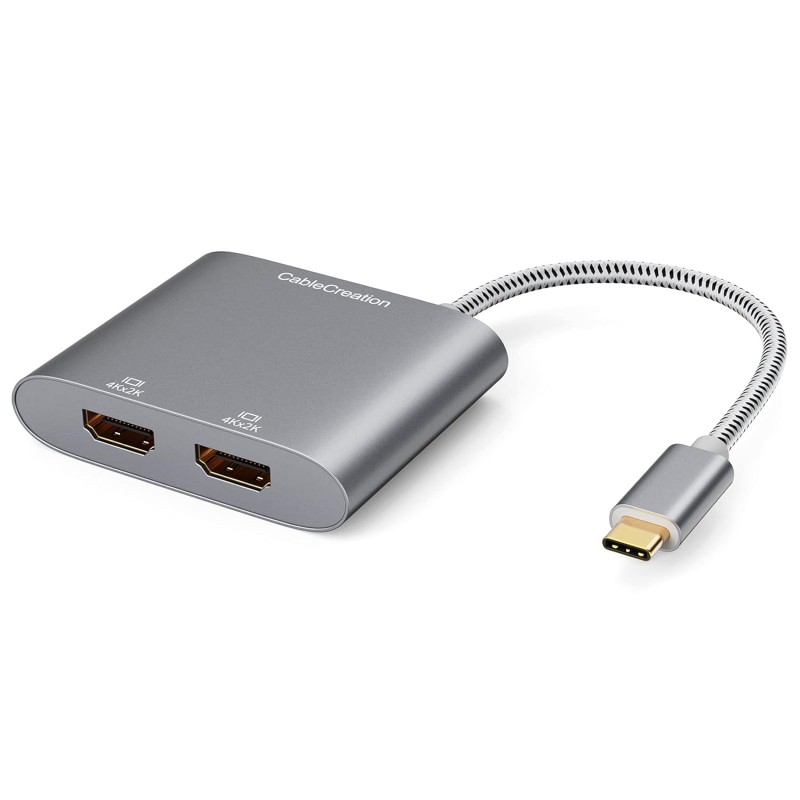
CableCreation USB C to Dual HDMI 4K Adapter, USB Type C (Compatible Thunderbolt 3) to 2 HDMI Adapter Compatible with MacBook Pro 2019/2018/2017, XPS 13/Surface Book 2, Chromebook Pixel, Yoga 710

Out of Stock


CableCreation USB C to Dual HDMI 4K Adapter, USB Type C (Compatible Thunderbolt 3) to 2 HDMI Adapter Compatible with MacBook Pro 2019/2018/2017, XPS 13/Surface Book 2, Chromebook Pixel, Yoga 710
from
Save
-79%
₹2,059.00
₹9,999.00
Ex Tax: ₹2,059.00
- Stock: Out of Stock
- Brand: Cablecreation
- Model: CD0502
- Weight: 80.00g
- Dimensions: 23.60cm x 15.70cm x 1.63cm
- SKU: OX000Y9IMV9
PRODUCT IS OUT OF STOCK
- 7-Day Easy Returns
Return or exchange any eligible product within 7 days of delivery. - Free Reverse Pickup
We arrange the pickup from your address—no extra effort required. - Fast Refunds
Refunds are processed within 7 business days after product inspection. - Easy Exchanges
Exchange for a different size or color, subject to stock availability. - Safe Delivery Assurance
In case of damaged or incorrect items, we provide a replacement or refund after verification. - Customer Support Available
Need help? Call +91 9812644480 or email complaints@orami.in
100% Authentic Products
Every product is quality-checked to ensure authenticity and trust.
Fast & Secure Delivery
Safe packaging and reliable shipping for timely doorstep delivery.
7-Day Easy Returns
Hassle-free returns or exchanges within 7 days of delivery.
Quick Refunds
Fast refund processing to your original payment method.
Dedicated Support
Our customer care team is always ready to assist you.
Trusted by Customers
Loved by shoppers across India for quality and service.
₹419.00 ₹999.00
Ex Tax:₹419.00
About this item
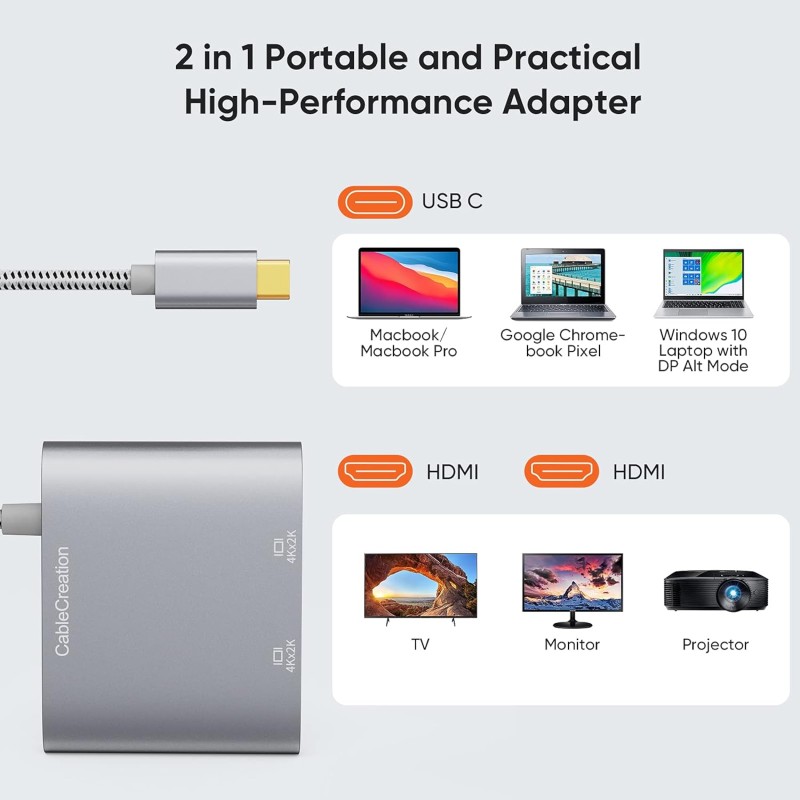
- BEFORE PURCHASE NOTE: Make sure your laptop or PC supports "Thunderbolt 3" or "display output mode(DP ALT mode)". Otherwise it is NOT COMPATIBLE. If you don't know if your device is compatible with our products, pls send us a message and we will help you.
- How to set Dual display on MacBook: Please noted that MacBook is NOT able to run EXTEND MODE if you enable 2 or above extension display. ONLY MIRROR MODE is available if you connected 2 or above extension display on MacBook. Steps: Top left corner Apple icon-->System Preferences-->Displays--> Mirror or Extend Displays, both HDMI monitor are identical but different with laptop screen.
- How to set Dual display on Windows: Both mirror and extend mode is available on Windows. Steps?Press Windows key + P combination command-->Choose Duplicate or Extend.
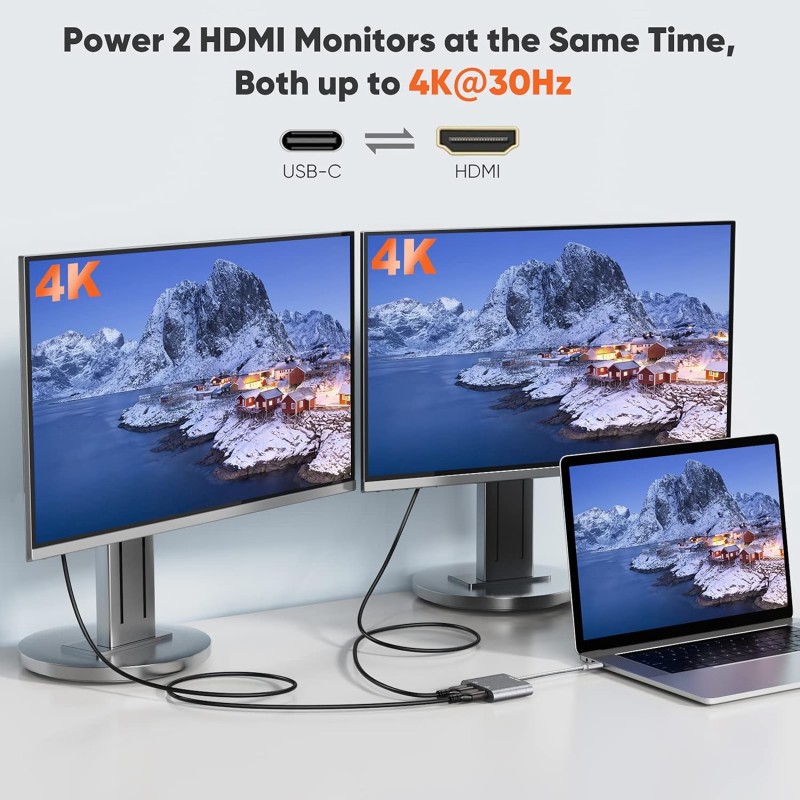
- Plug & Play, Vivid 4K resolution: No driver or software needed. 2 extension display resolution is up to 4K@30Hz, please makre sure us HDMI 1.4 cable or above to avoid Screens flickering. If your source video or laptop is over 4K@30Hz. Please lower the resolution as: For Windows Menu--> Setting--> Display--> Advanced Display Settings, set your laptop's resolution same as or lower the resolution of external monitor.
- 2 Years Warranty: We provide 24 months worry free warranty for this USB-C dual HDMI convector, please feel free to contact us if you have any question or suggestion, we will get back to you in 24 hours.